

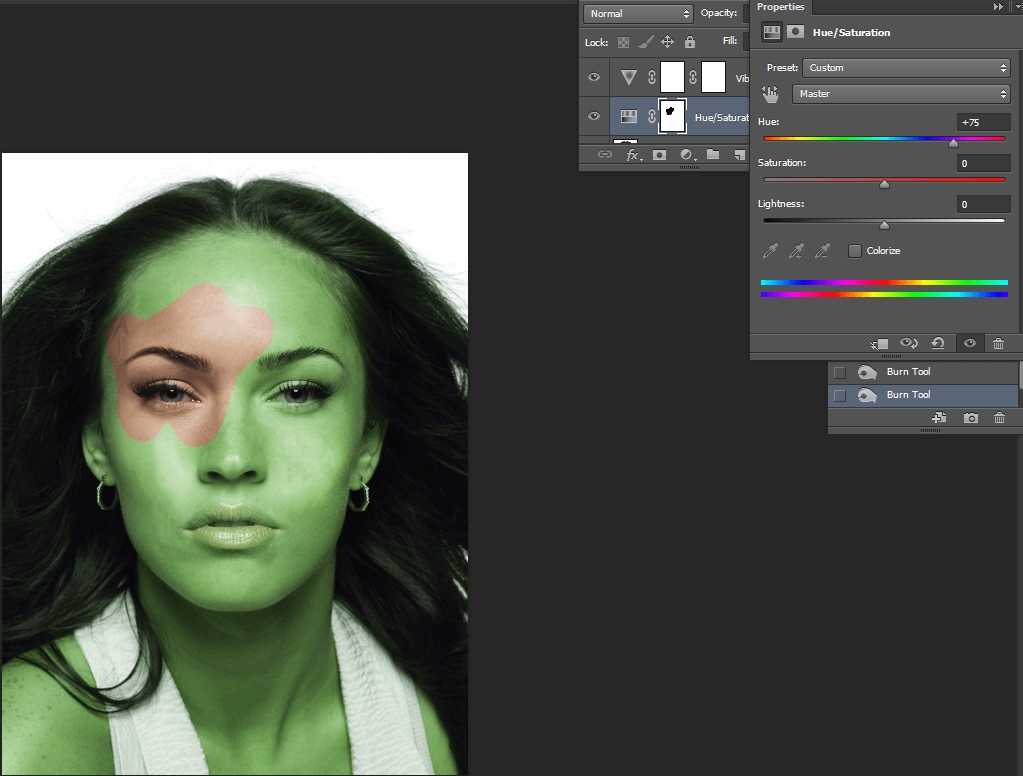
By doing this layer mask we must first click the yin yang looking symbol and select hue and saturation. Using the sliders we can adjust the color of the image. Using the burn tool we can then wipe off some of the color.
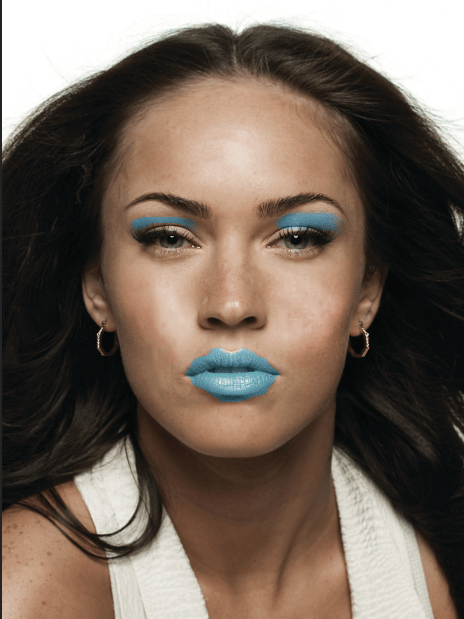
After drawing round a part of the image with the lasso tool, we can repeat the process from last time after selecting the yin yang icon.
 ArchieHall Journalism