

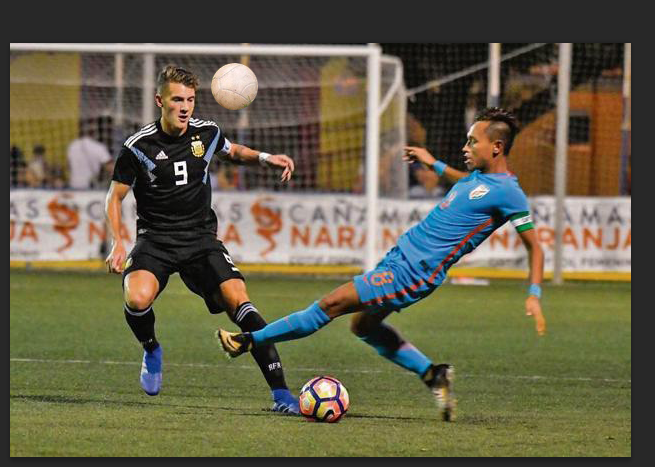
Using the elliptical tool we can make a circle around the white ball and wait for the “running ants” to appear. After that we can click on the layer mask on the bottom right of the screen.
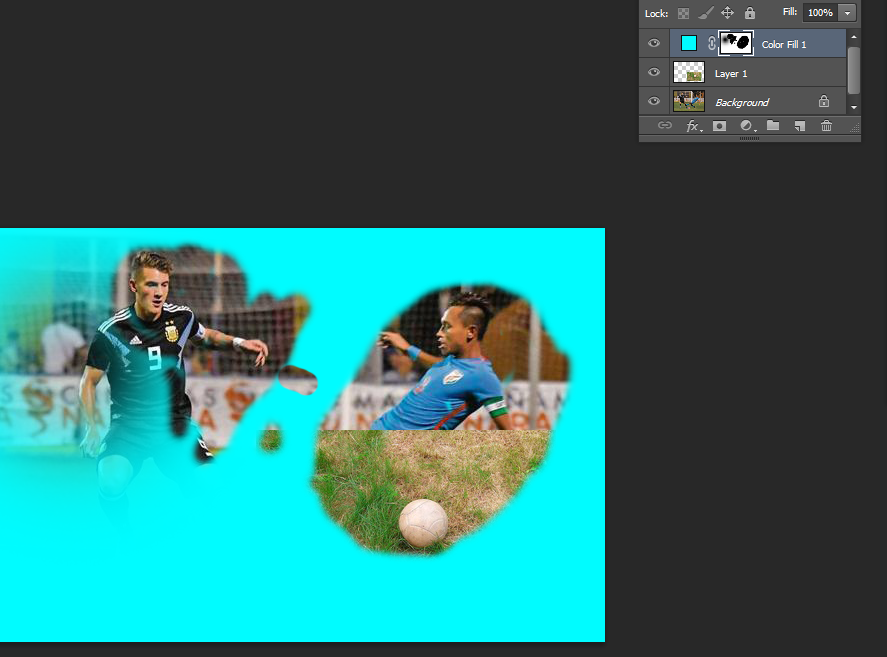
Firstly click on the icon that looks like a yin and yang. Then go to solid color and select the color you would like. Press ‘ok’ and select the layer. Use brushes to play around with the image, selecting different brushes from the top left side of the screen.
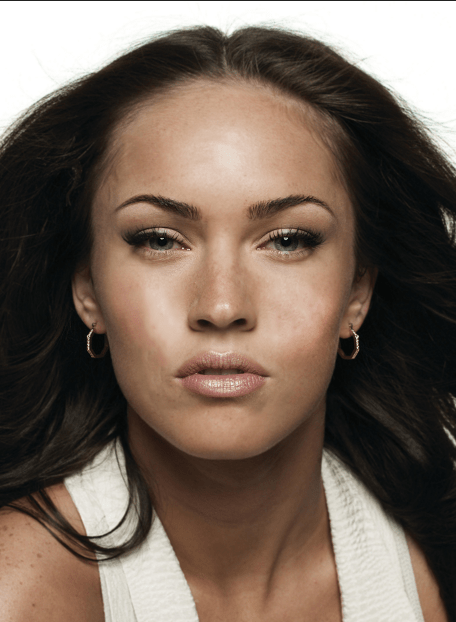
Part 1 –
Gaussian blur used to improve the look of skin.
History tool used to make the eyes and mouth clearer.
Dodge brush used to whiten the teeth and eyes.
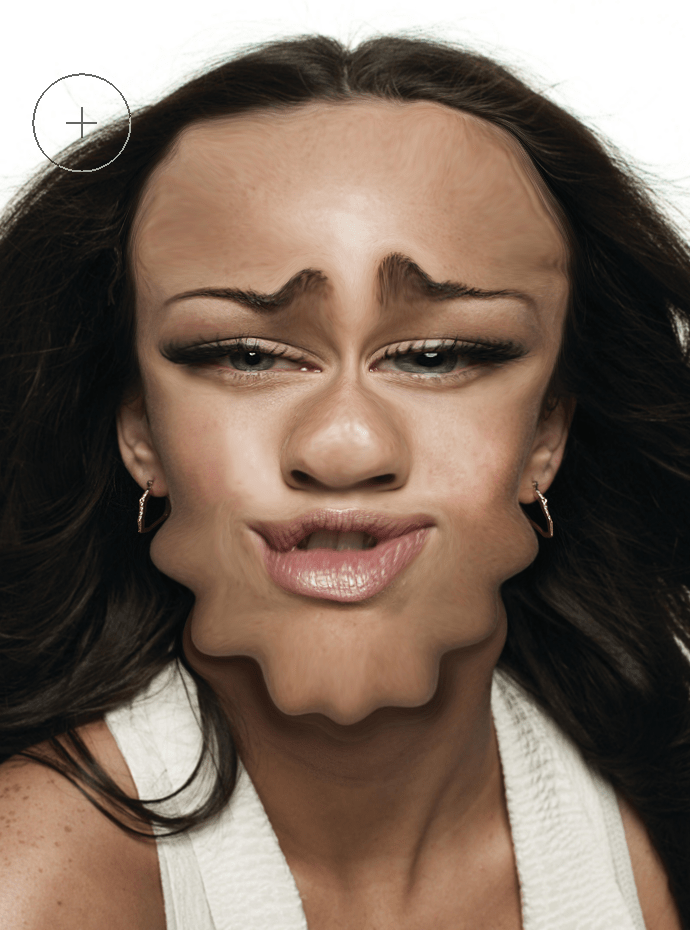
Go up to filter and select liquefy. Use different brush sizes to adjust the image
 ArchieHall Journalism