

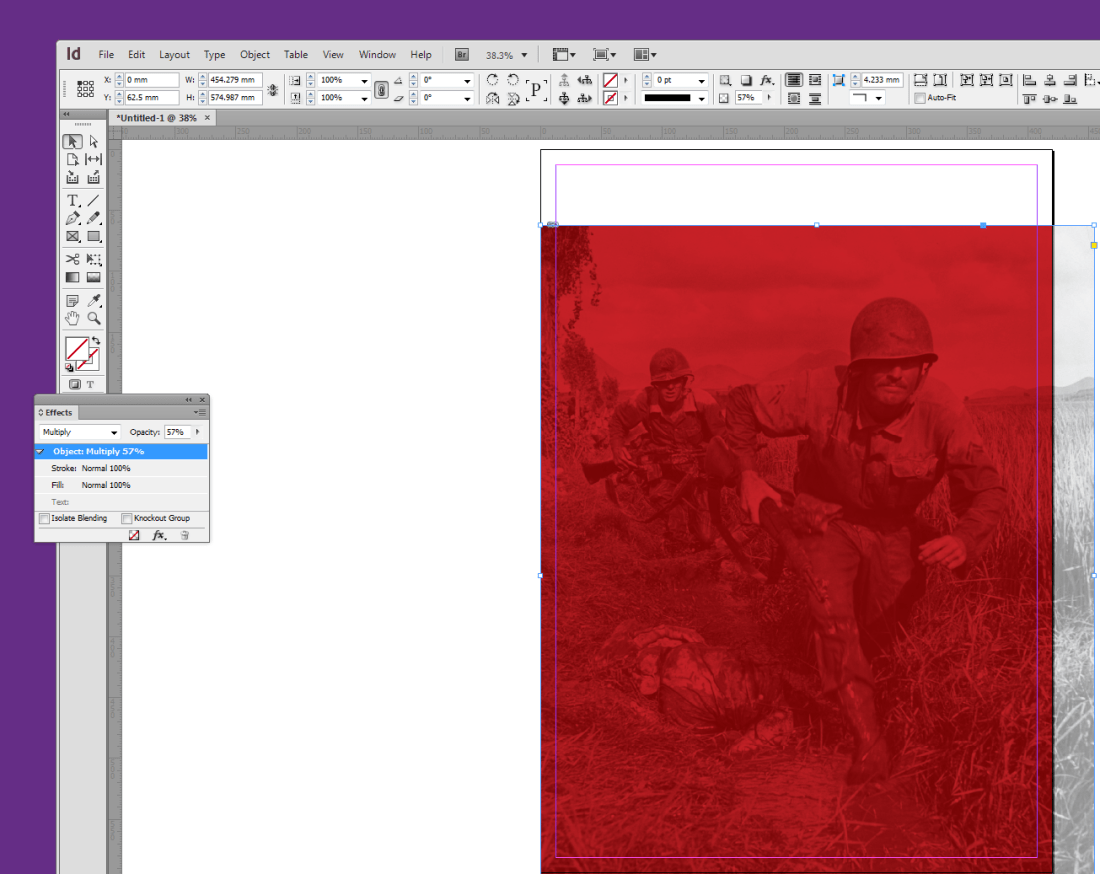
This exercise involves adding pictures to in design. Firstly we add a box using the file and place tool on the right hand side of the screen. We then went to place and added an image. We also used insert image and then the arrow keys to put put multiple images onto the page.
This is the links menu which shows us the location of the images. The in design will access when we go to print or pdf. If the original images are missing or renamed, a red circle containing question mark will appear in the links menu. Click the chain icon at the bottom to re-link file. To package a file we save it first and then go to package. It allows us to duplicate all links, fonts and files.
 ArchieHall Journalism